Read the dated status
Destructoid’s article lists no active or expired codes and reports that redemption is unavailable. Keep that dated external report separate from the narrower menu observations below.
| Check | Recorded status |
|---|---|
| Report updated | September 7, 2026 |
| Report read for this page | September 8, 2026 |
| Menu frames actually inspected | Main HUD and Boss Shop in footage uploaded September 5; frames inspected September 8, 2026. |
| Successful code acceptance tested here | None tested |
| Ordinary Shop, Settings and code acceptance | Not inspected or tested here. |
Verify the experience first
Use Steal An Egg by and Collect Rare Pets, place 107778070777162. Match that identity before applying instructions from another page.
Check the visible interface in the dated recording
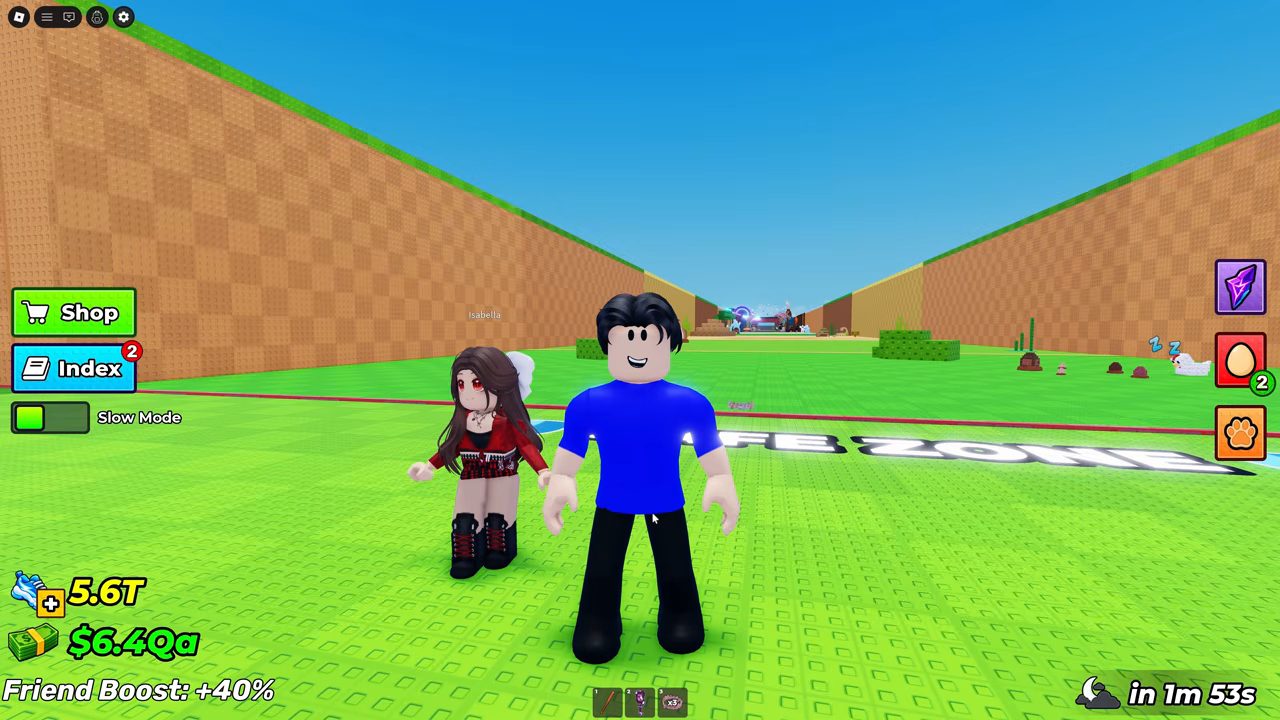
At the opening of AndyBlox’s Rift-update recording, the main HUD shows Shop, Index and Slow Mode on the left, with event, egg and pet buttons on the right. No button labelled Codes or visible code-input field appears in this frame. The Shop button is visible; its contents are not open here.
The upload is dated September 5, 2026. The exact recording date, build number and numeric place ID are not displayed in these frames. The game identification is supported by the title and the matching HUD, pets, fenced plots and biome route in the previously documented Steal An Egg footage; it is a visual identity match, not a place-ID screen capture.
Keep the Boss Shop check within its actual scope
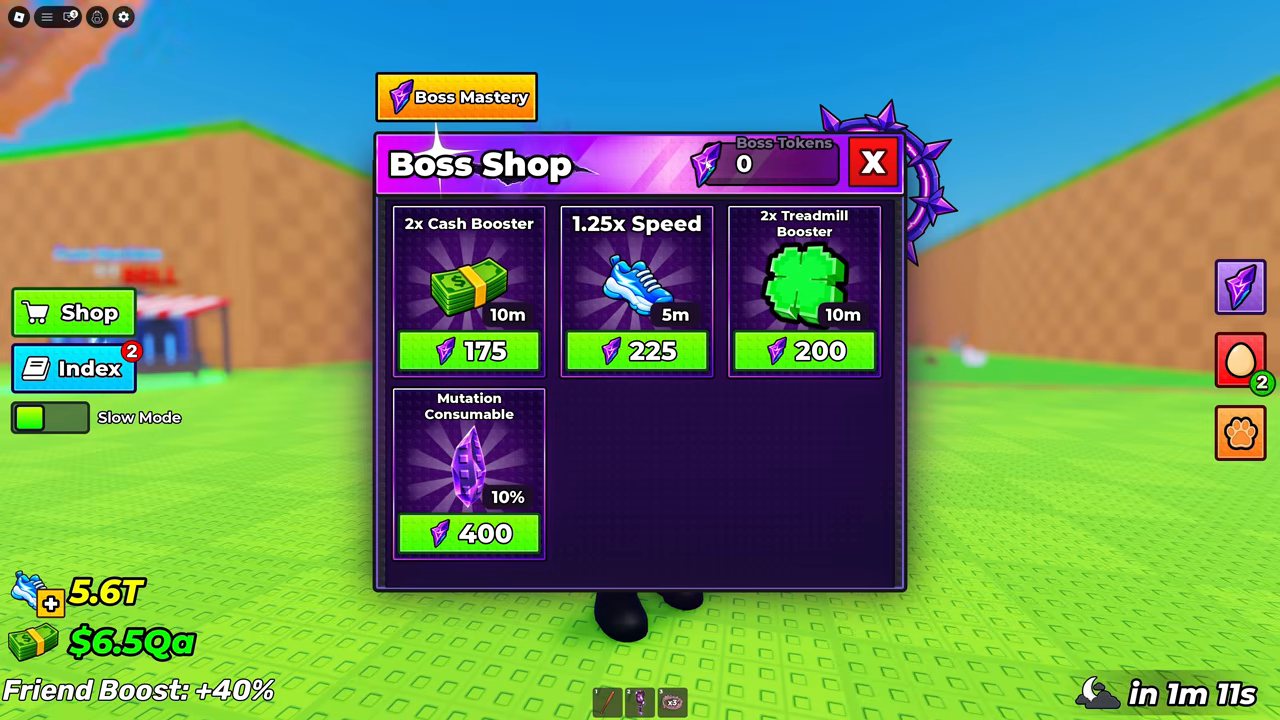
At 00:30 the opened panel is named Boss Shop. It shows Boss Tokens, a Boss Mastery button and purchasable booster or consumable cards. This panel has no visible code-entry field. It is an event shop, so inspecting it does not establish what the separate ordinary Shop or Settings contain.
Use this as a record of two inspected views. Neither a whole-client search nor a submitted code is shown.
What would qualify a working entry
A future working-code entry needs the exact code, a real redemption menu in this experience, and an accepted result with its checked date. Until those are observed, a missing test stays unverified. It does not become an expired code or proof that no menu can exist.
- Open the official experience linked above and match its creator before applying a code found elsewhere. Check developer announcements for the exact code rather than copying an unverified list.
- Inspect the visible game buttons and any actual Shop or Settings pages you open. Record their labels and date; the footage checks above do not substitute for those unopened pages.
- If you find a redemption entry and an official code, record the actual menu location, submit that exact code and read the displayed response and reward change. Until acceptance is observed, do not call it working.
- If the inspected views show no entry, report only those views and that date. If a menu exists but no official code is available, report the location with acceptance untested; do not invent a code or treat the missing test as an expired result.